May 28th, 2026
LaunchBox for Android
LaunchBox for Android 1.22
We are excited to roll out LaunchBox for Android 1.22! This update brings Steam library importing to Android, a new security system for locking down library management, expanded platform and emulator support, and a collection of quality-of-life improvements across media, themes, scoped storage, and library updates.
For the full list of changes, visit our complete changelog below.
🔗 LaunchBox for Android Changelog
Release Video
🕹️ Steam Library Importing Comes to Android
For more details on this feature, see our dedicated guide:
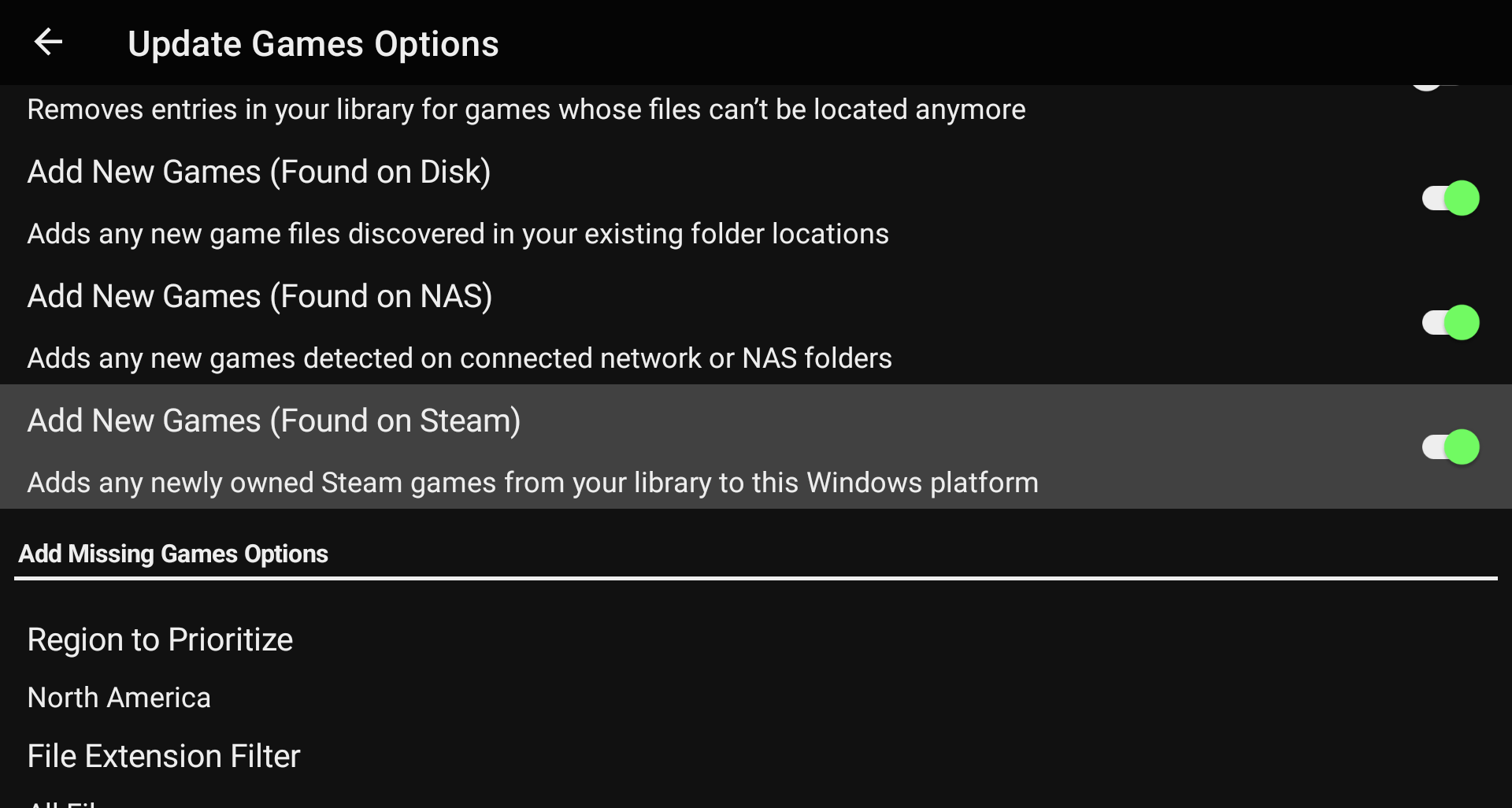
One of the biggest additions in this release is Steam game importing for the new Windows platform.
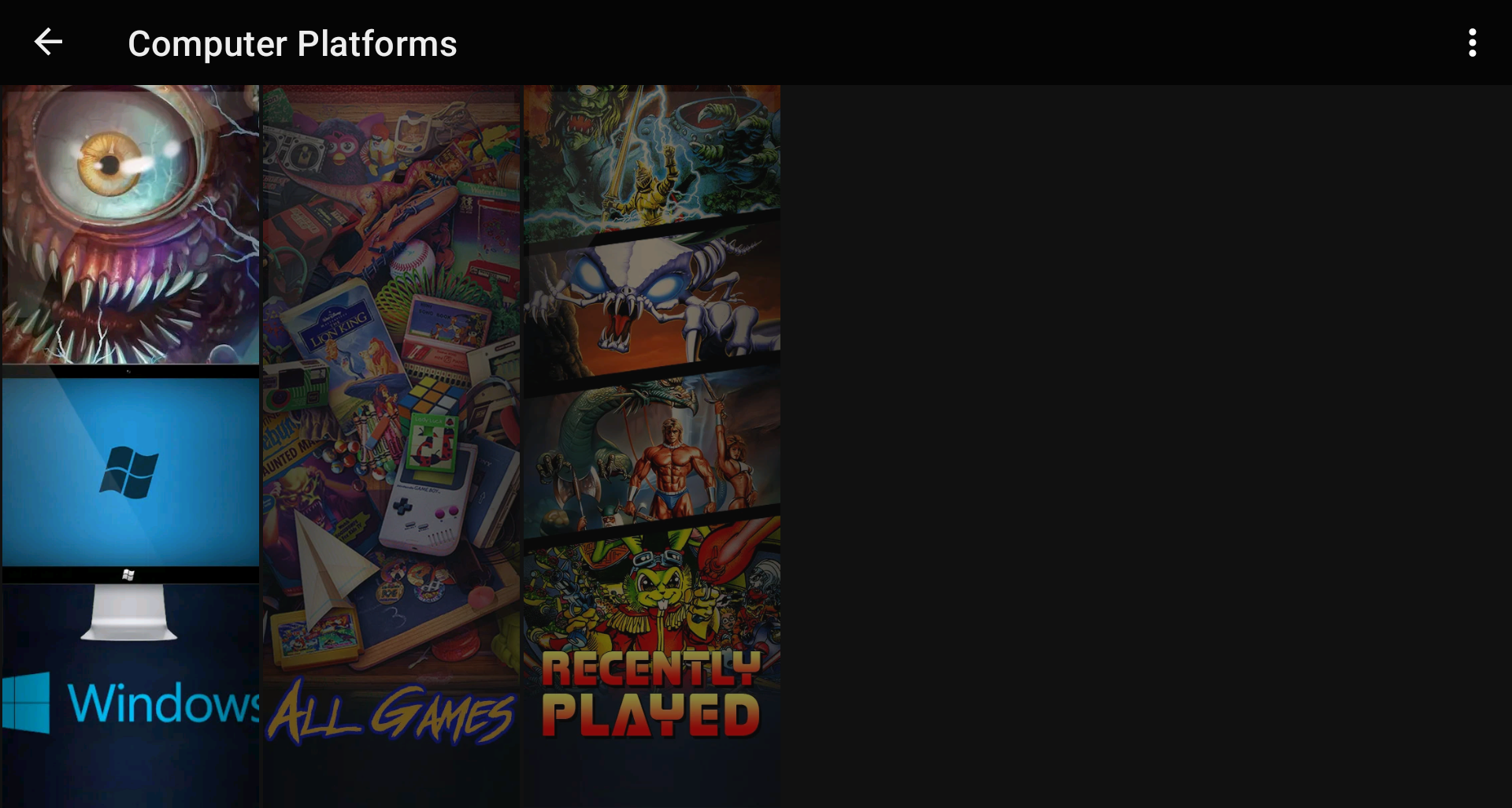
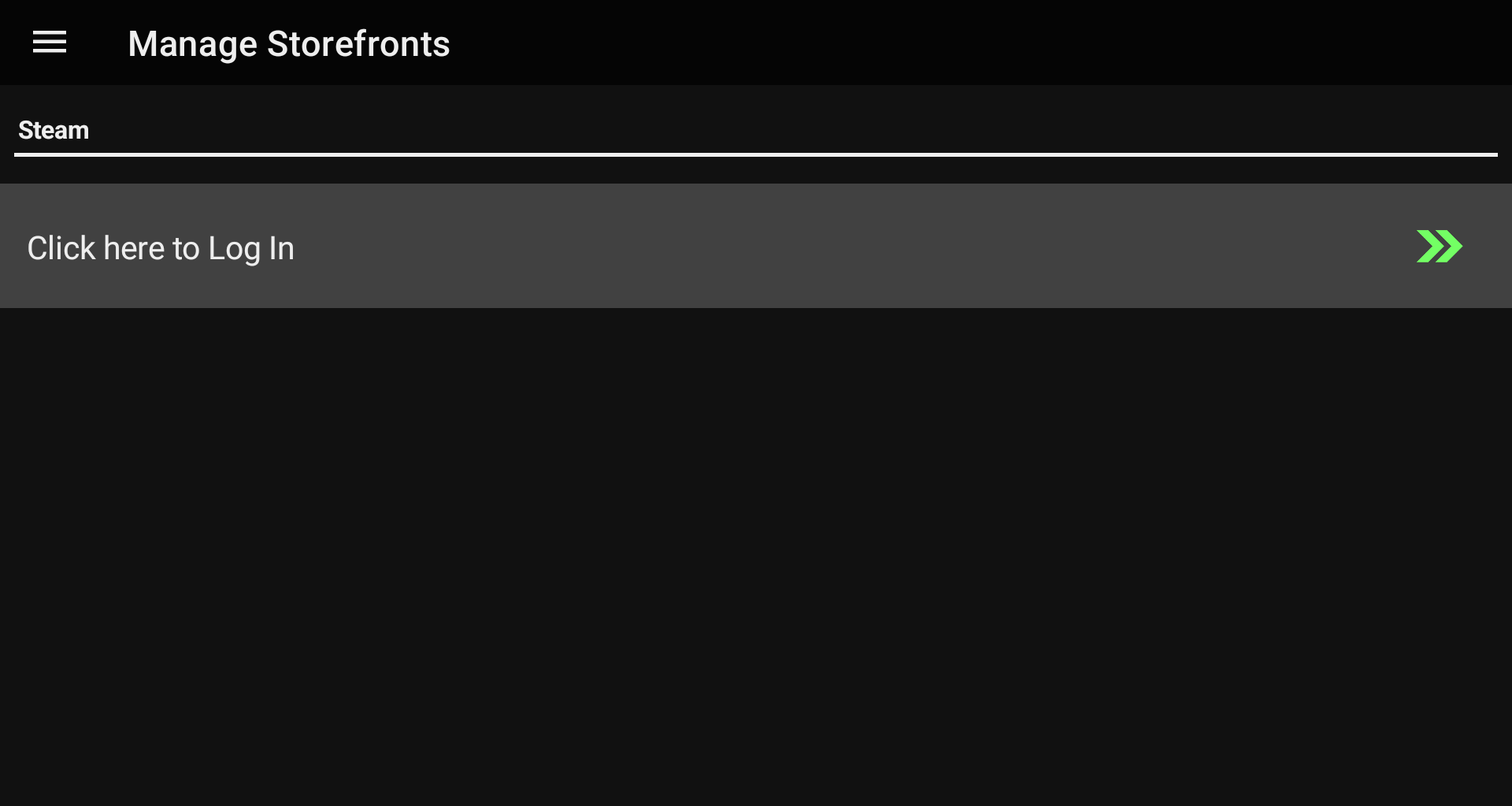
You can access the new importer through the new Manage Storefronts section from the main menu.
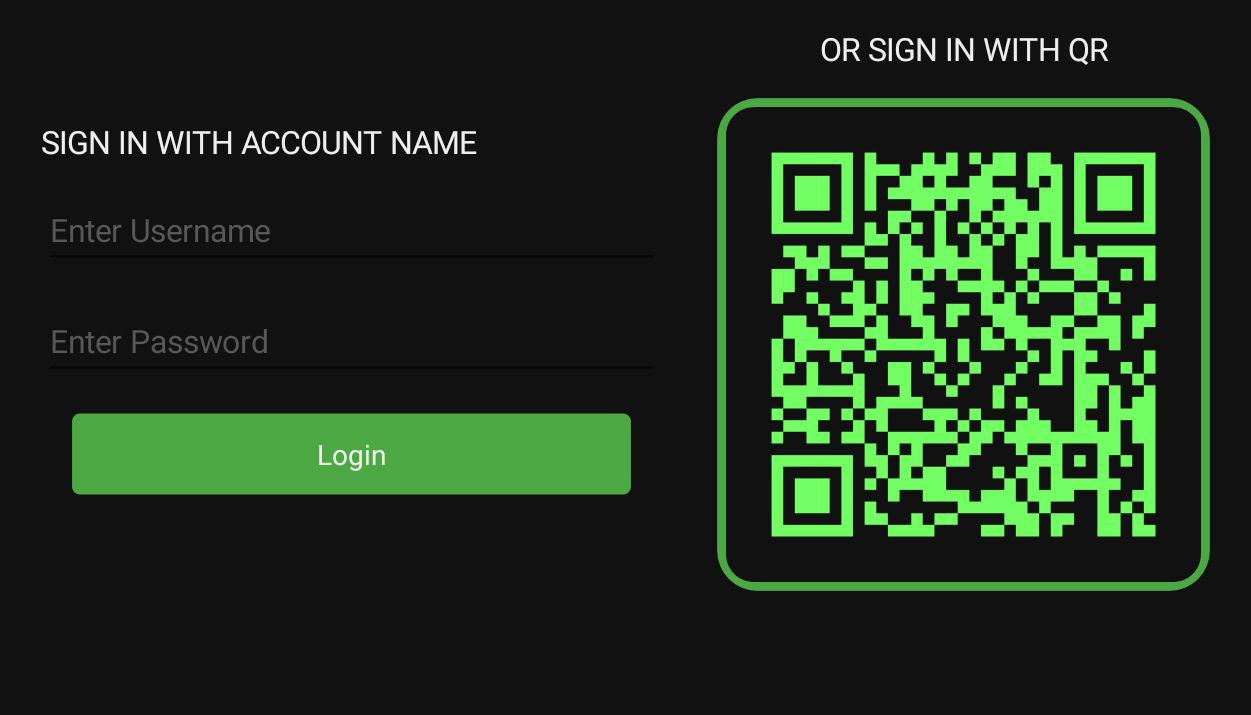
From there, logging into your Steam account is as simple as scanning a QR code. No convoluted API keys or digging through profile settings just to get started.
Once connected, LaunchBox can import your Steam collection, including games accessible through Family Sharing. This opens the door for organizing Windows games right alongside the rest of your Android library.
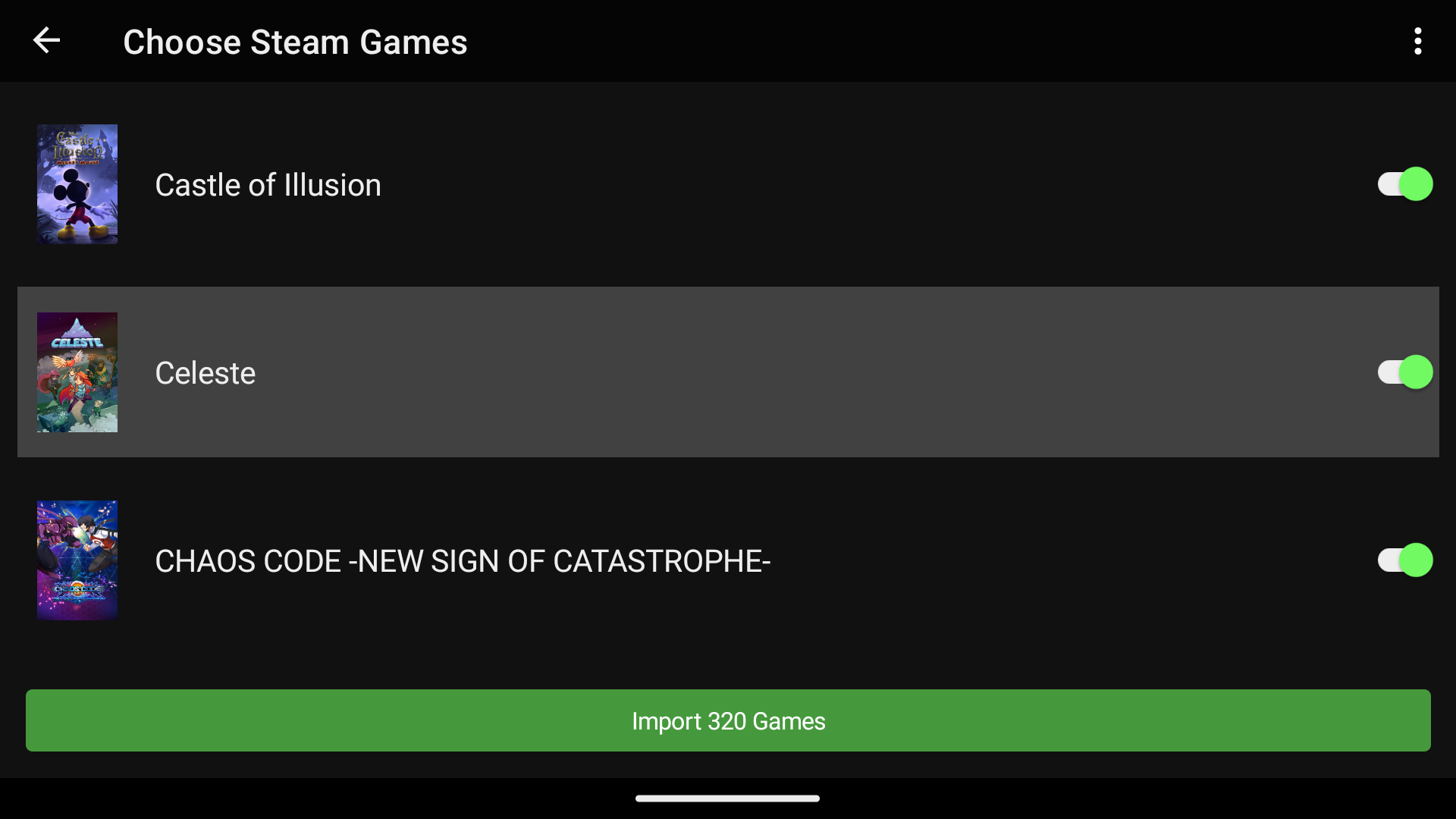
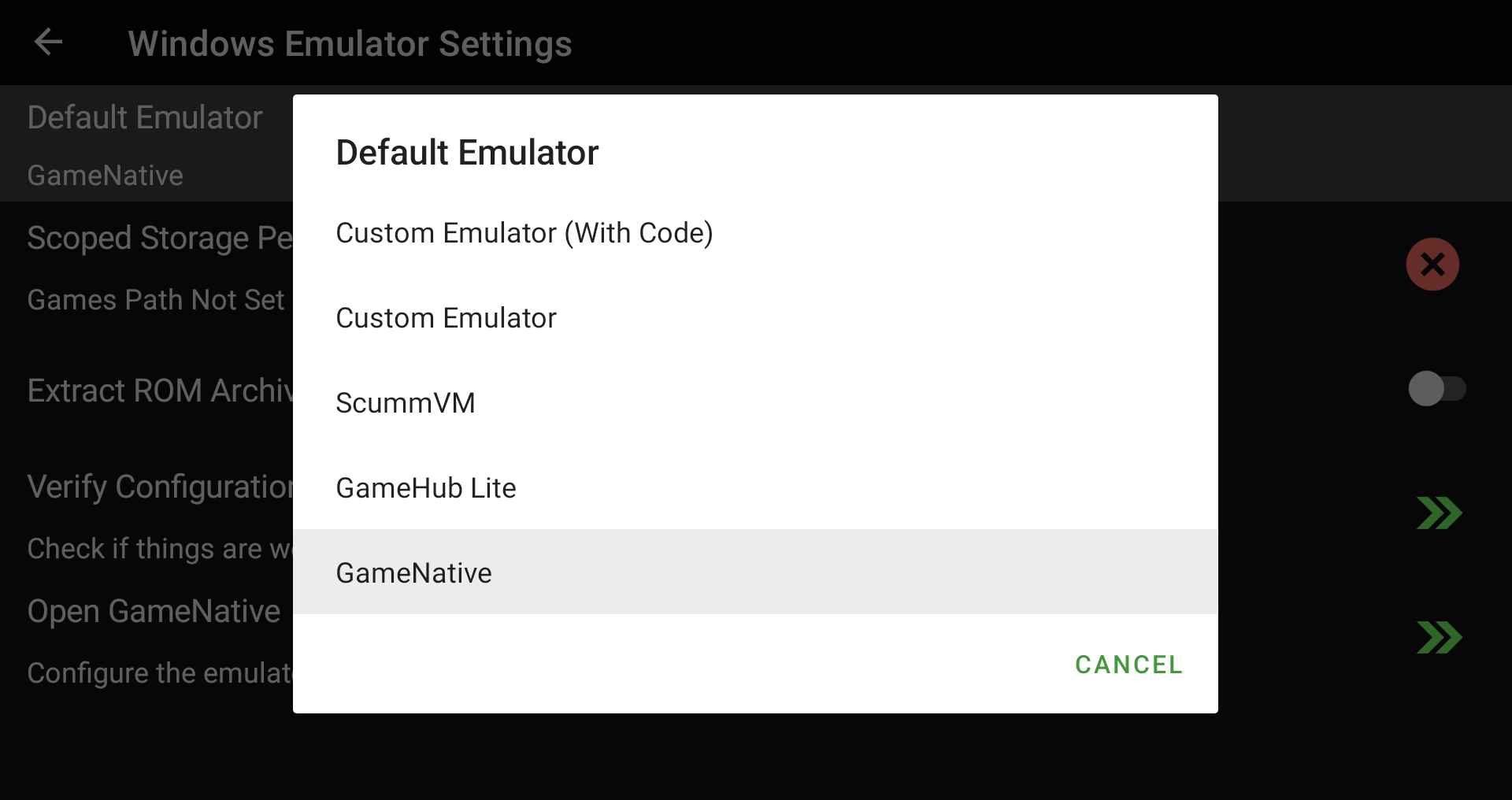
We also integrated with GameHub Lite and GameNative so imported Steam games can launch through compatible Android Windows launchers. These apps need to be downloaded and set up separately, but once they are configured, LaunchBox can hand supported games off to them.
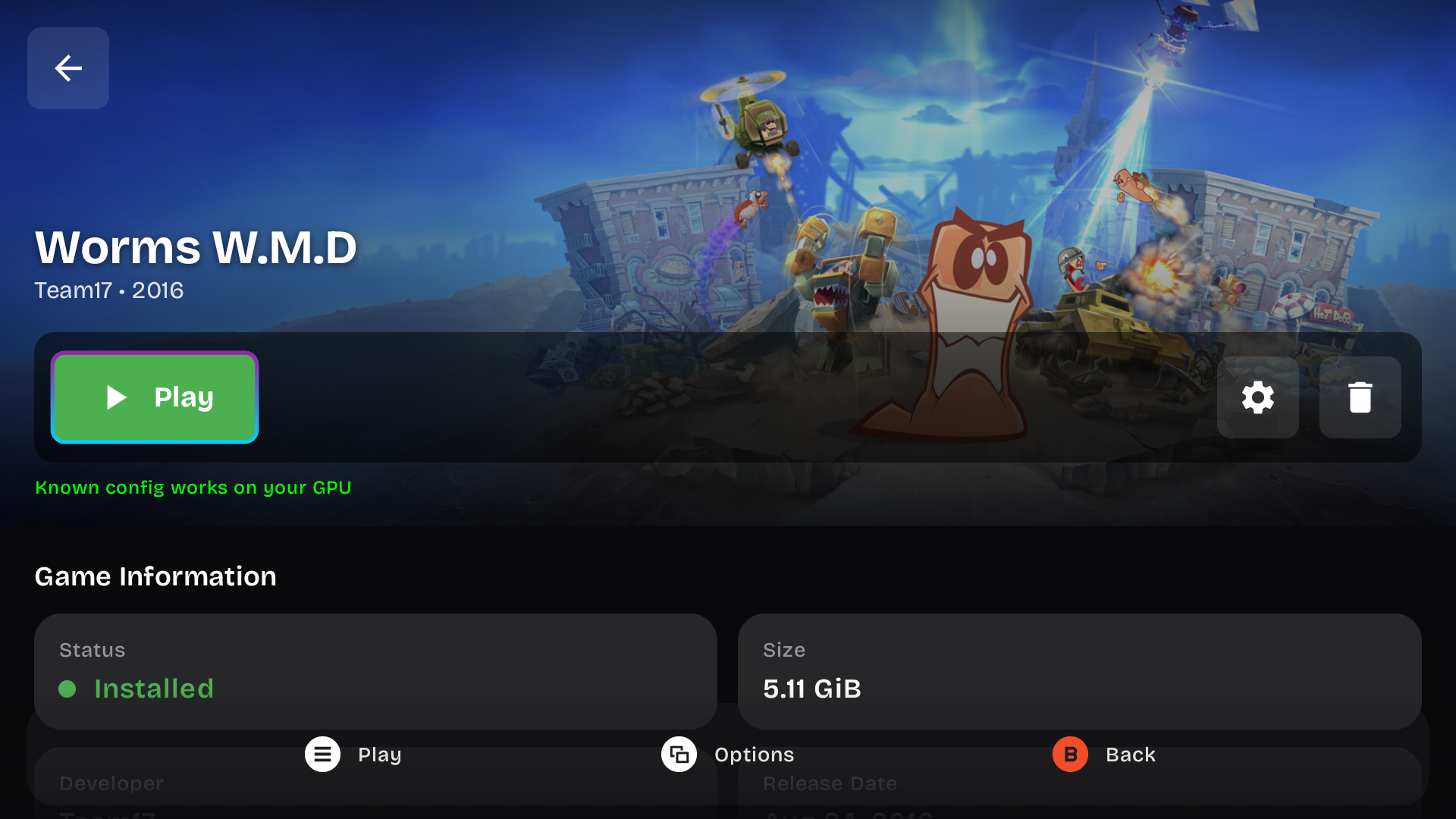
Steam imports also include dedicated media support. Imported Steam games can now use Steam artwork and trailers, including box fronts, clear logos, backgrounds, and videos.
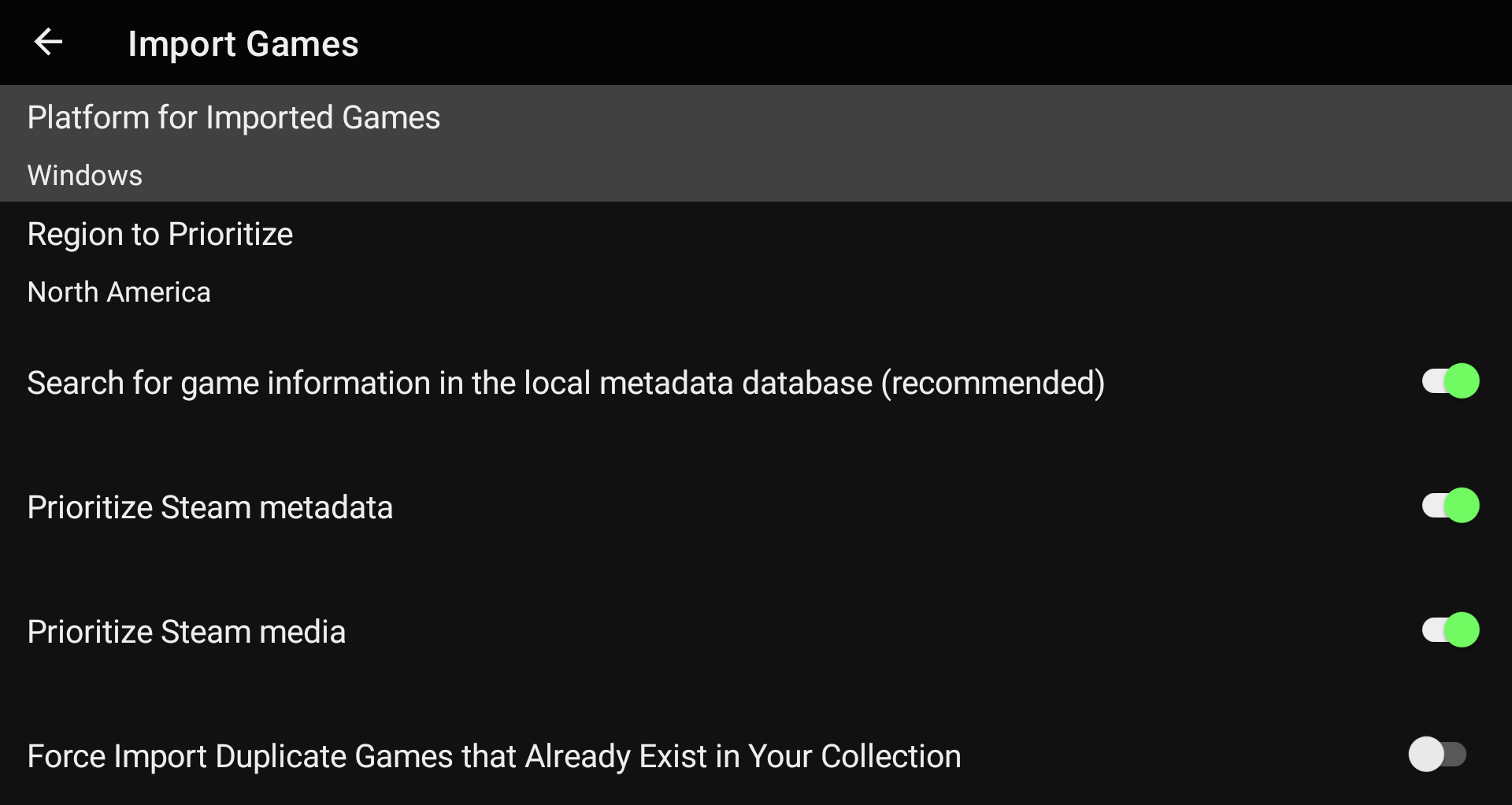
Finally, LaunchBox can compare your Windows or Steam platform against your Steam library, and add newly owned games automatically.
🔒 Security Controls
For more details on this feature, see our dedicated guide:
Original Feature Request:
This release introduces a new Security system.
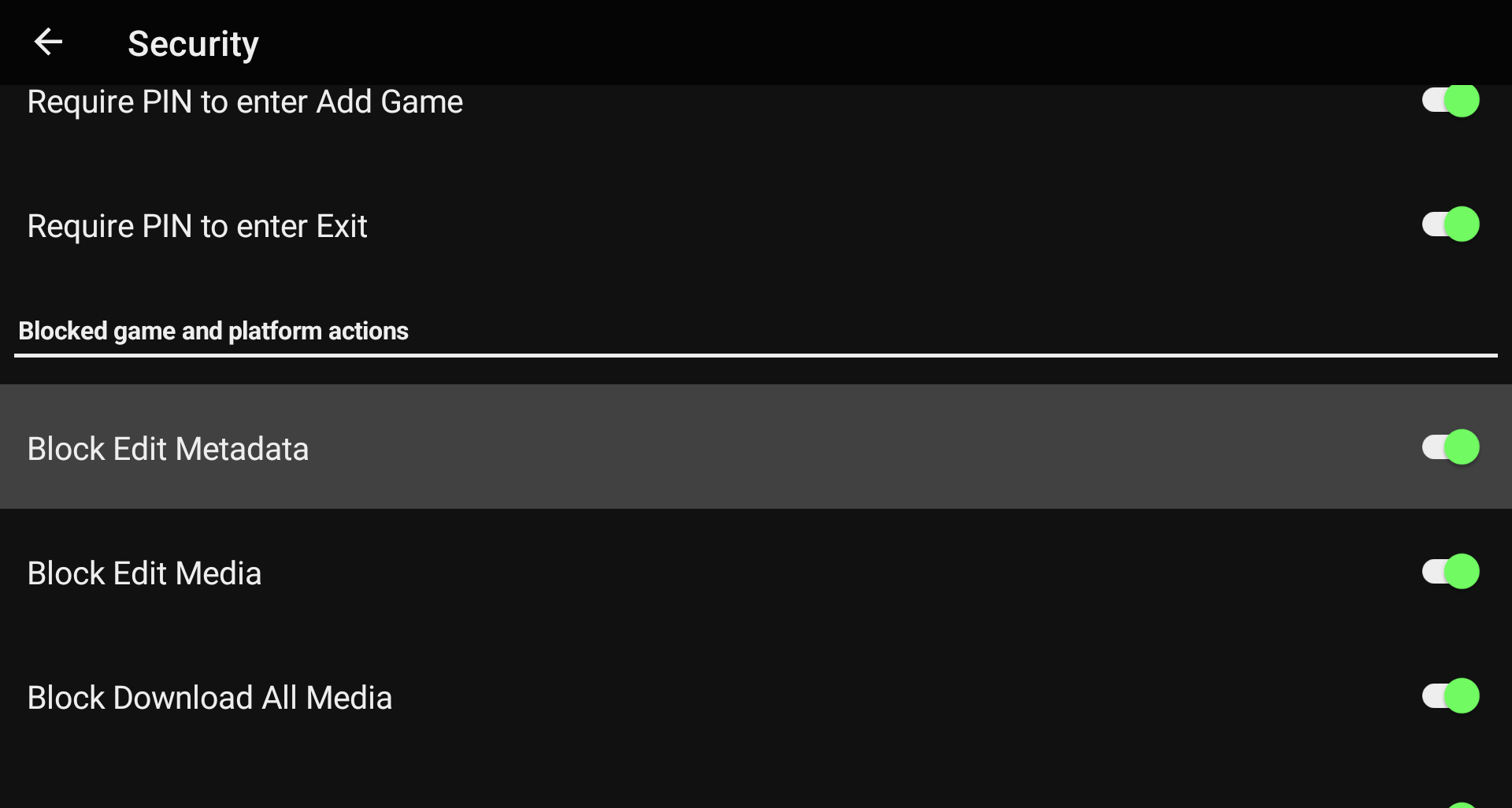
You can now lock down specific functions of the app behind a PIN, giving you more control over what can be changed. This is perfect for handing your device off to kids so they can play without accidentally changing platforms, editing games, or messing up your carefully organized library.
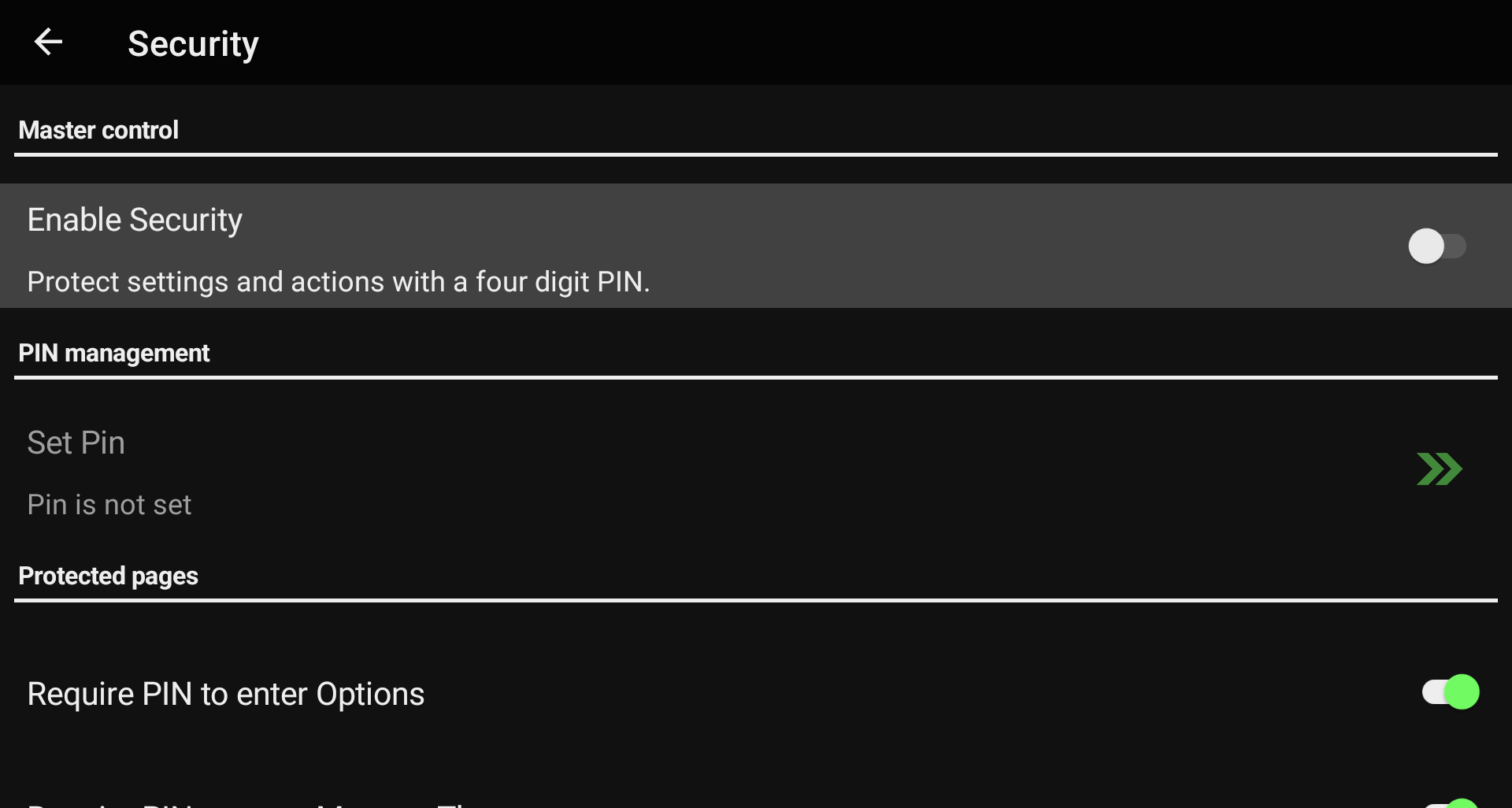
The Security system includes extensive configuration options under Options > Security, so you can decide which management features should require a PIN and which parts of the app should remain freely accessible.
🎮 More Platforms, Emulators, and RetroArch Support
This release also expands platform and emulator support.
New platforms have been added:
Windows
Arduboy
Sega Model 3
Uzebox
WASM-4
Microsoft Xbox
We also added support for several new emulators:
GameHub Lite
GameNative
Pizza Boy SC Pro
Azahar (Vanilla)
Linkboy
Lynx.Emu
PICO-8: Android
PICO-8: Picpic
Aethersx2 (Turnip)
SkyEmu
MelonDualDS
YabaSanshiro Pro
Vita3k (ikhoeyZX)
Super3
X1 Box
aPS3e
eka2l1
RetroArch core mappings have also been added for Arduboy, Uzebox, and WASM-4. These platforms should now be easier to import and launch when using RetroArch.
The built-in Vita3k Android emulator launch command has also been fixed, improving out-of-the-box launching for Vita3k users.
📚 Library, Theme, and Media Improvements
We’ve also several improvements aimed at making day-to-day library management clearer and more reliable.
Optimize Library behavior has been updated so star ratings across your entire library refresh automatically when running an Update Library scan. This helps keep ratings accurate without requiring extra manual cleanup.
Theme updates are now easier to spot. LaunchBox now shows a green badge on the Manage Themes menu item and next to individual themes when updates are available.
Local and Cloud filters have also been corrected. Games with local files now appear under Local, while Cloud only shows games that exist only on a configured network or cloud location.
Media downloads should also behave more consistently. We fixed possible image resize conflicts that could cause media to fail or become inconsistent when multiple images were being processed at the same time.
🧰 Android Reliability and Scoped Storage Fixes
This release includes several fixes focused on app stability, launching, and scoped storage behavior.
We fixed a possible crash that could happen when returning to LaunchBox if notification or data services were not available yet when the app resumed.
Scoped Storage handling has also been improved in a few important places. Setting a Scoped Storage path now works correctly when LaunchBox is running as a homescreen launcher.
Additional applications and alternate versions should now launch using the correct file path or URI. LaunchBox will also use the selected application path during scoped-storage lookup, which helps when launching an alternate version or additional app instead of the main game file.
We are really excited to keep expanding what LaunchBox for Android can do, especially now that Windows game support is starting to become part of the experience. The future of ARM devices is looking bright!
For the full list of changes, visit our complete changelog below.
🔗 LaunchBox for Android Changelog